

Free Tools for Estimating Website Traffic
Several free services can estimate a website’s monthly visitor count. Below are tools (including browser extensions and APIs) that provide traffic estimates with minimal restrictions. We note each tool’s features (competitor analysis, historical data, traffic source breakdown), usability, accuracy, and downsides.
SimilarWeb (Web Platform & Extension)
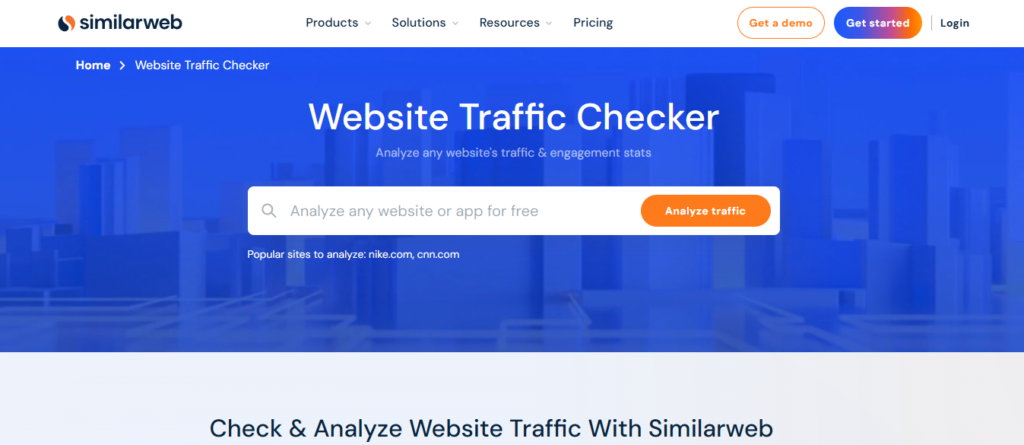
Features: SimilarWeb estimates total visits for any site and breaks down traffic by source (e.g. direct, search, social, referrals). The free web version shows a Traffic Overview with total monthly visits (trend over the last ~3–6 months) and engagement metrics (visit duration, pages per visit, bounce rate). It also lists the site’s global and country rank, top referring sites, top organic search keywords, top social media sources, and even a list of similar or competing websites. This makes it useful for basic competitor analysis (seeing a competitor’s audience sources and similar sites).
Usability: No login is required for the free version – you can go to SimilarWeb’s site and enter a domain. Data is presented in a user-friendly dashboard. They also offer a free browser extension that lets you view a site’s traffic stats as you browse (one-click access to visits, rankings, and source breakdown). The free tier limits some data (e.g. only ~5 results per category, and only 3 months of web traffic history are shown), but it’s still enough for a quick overview.
Accuracy: SimilarWeb’s data is an estimate based on panel data and other sources. It’s not 100% precise, but it’s considered relatively good for comparing the relative traffic of sites (i.e. knowing which site likely gets more traffic). For absolute numbers it can be off, especially for smaller sites with low traffic (those might not even appear in the free results). Overall, it gives a reasonable ballpark for medium-to-large sites, but treat the numbers as approximate.
Downsides: The free version’s limitations mean you only see a subset of data (e.g. limited historical range and top lists). Small or niche websites may show up as “N/A” due to insufficient data. Like all such tools, it cannot measure actual traffic directly, so use it for trends and comparisons rather than exact figures. Upgrading to paid plans unlocks full data, but that comes at a cost.
Ahrefs’ Free Website Traffic Checker
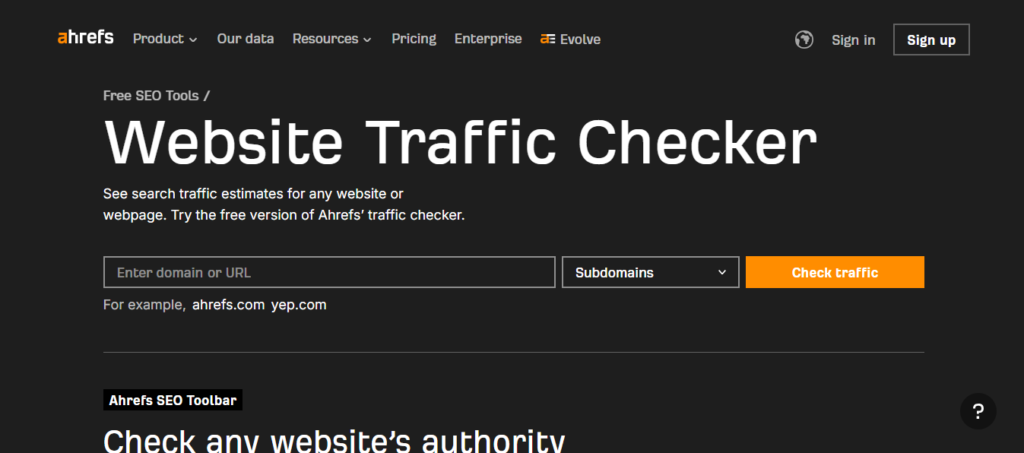
Features: Ahrefs offers a completely free website traffic estimator focused on organic search traffic. You can go to their Website Traffic Checker, enter any domain, and get a report without needing an account or login. The report shows the domain’s estimated monthly organic visitors from search engines, the “traffic value” (an estimate of what that traffic is worth in PPC terms), the top countries where those visitors come from, the top organic keywords bringing in traffic, and the site’s top pages (by search traffic). This is useful for competitor research on SEO – you can see which keywords and pages drive a competitor’s search traffic.
Usability: Extremely easy – just input a URL and see results. There’s no daily query cap noted (though very heavy use might trigger a CAPTCHA). The interface is straightforward, giving a compact overview. No registration or installation is needed, making it one of the most accessible tools.
Accuracy: The data is derived from Ahrefs’ keyword rankings database, so it only accounts for search engine visitors. It can miss direct, referral, or social traffic entirely. For sites that rely heavily on Google search, the estimates can be quite insightful, but they may diverge from actual total visits. Ahrefs is generally reputable for SEO stats, but like others it uses modeling – one user found Ahrefs and SimilarWeb estimates for the same site could differ substantially (e.g. one tool double the other’s figure). Use it as an indicator of search traffic magnitude and trends rather than a full traffic count.
Downsides: It’s limited in scope – no full traffic breakdown by all sources, since it’s focused on SEO. If a competitor gets a lot of direct or social traffic, Ahrefs’ free tool won’t reflect that. Also, it doesn’t show multi-month trends in the free interface (you get a current snapshot; historical graphs require a paid plan). In short, it’s very useful for quick, free SEO competitor analysis, but not a complete picture of total visitors.
Neil Patel’s Ubersuggest (Web Tool)
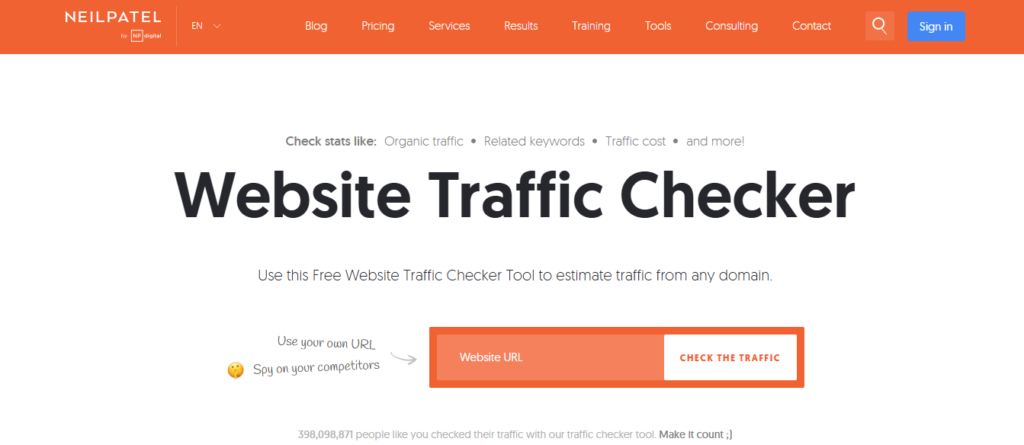
Features: Ubersuggest is an SEO tool that provides free traffic estimates for domains, emphasizing organic traffic. On the Ubersuggest site (or its free Chrome extension), you can enter a website and get an overview including the total number of organic keywords the site ranks for, and an estimate of the site’s monthly organic visits from search. It also shows a list of the site’s “Top SEO Pages” (pages that get the most organic traffic, along with their top keyword) and top keywords for the domain. This helps identify which content drives your competitor’s traffic.
Usability: The web version allows a few free searches per day (up to 3 domains/day free without an account). It may prompt for a login if you exceed that. The interface is clean, with charts and tables. Ubersuggest also has a browser extension – it will display an estimated traffic figure and a 6-month organic traffic trend graph for any site you visit, plus SEO metrics like backlinks, directly in your browser. This extension is free to install and use (with a relatively generous limit of ~40 queries per day).
Accuracy: Similar to Ahrefs, Ubersuggest’s numbers are based largely on search rankings and click estimates. Users have reported mixed accuracy – for some sites it was within ~15% of known Google Analytics figures, but for others (especially high-traffic sites) it severely undercounted (e.g. showing 32K vs actual 110K visits). In general, it’s decent for a rough sense of organic traffic and trends (it even shows an organic traffic chart for the last 6 months in the extension), but it’s not reliable as an exact visitor count. It won’t account for non-search traffic either.
Downsides: The free tier is limited in how many queries you can run daily. The tool focuses on SEO, so it does not provide a full channel breakdown (no direct/referral traffic info in the free version). Advanced features like viewing traffic history over time or comparing competitors side-by-side require a paid upgrade. Also, after a few uses, it might ask you to sign up (free account) or wait due to rate limits. Overall, it’s a handy free peek at a site’s organic performance, but with constrained scope and potential underestimation for total traffic.
SEO Review Tools – Website Traffic Checker
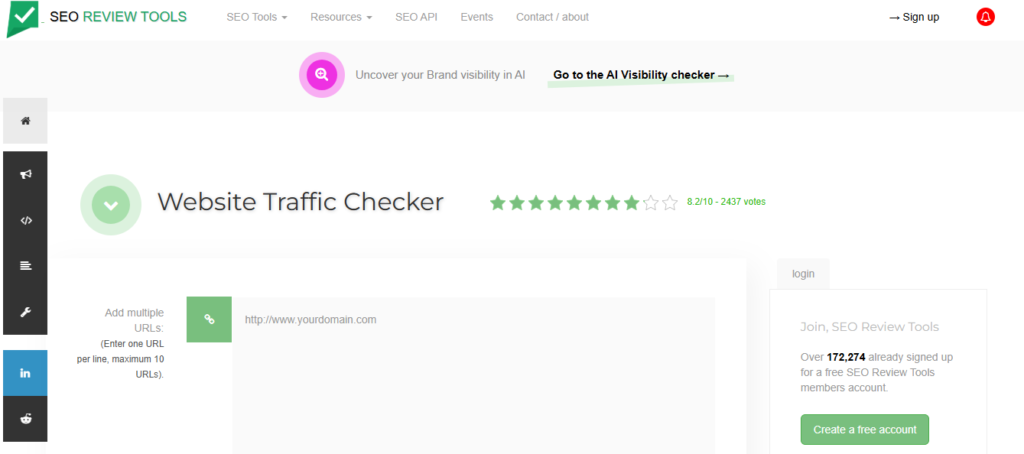
Features: SEO Review Tools (a collection of free SEO utilities) offers a Website Traffic Checker that estimates any site’s traffic and engagement. It provides an estimate of total monthly visitors (all sources) for the queried domain. In addition, it reports the average pages per visit and bounce rate, and if data allows, it breaks down the traffic by source: organic search, paid search, referral, social, and direct traffic splits. This means you can see roughly what portion of a site’s traffic comes from search engines, social media, etc. The tool even lets you input up to 10 URLs at once to compare multiple sites’ traffic side by side – useful for competitor benchmarking.
Usability: It’s completely free to use on the SEO Review Tools website. No registration required (though if you create a free account, you can avoid captchas and possibly get higher daily usage). Just enter the URL(s) and run the report. The output is a simple analytics-style summary. This tool is essentially an interface likely powered by a third-party data source, but all the heavy lifting is behind the scenes – from a user perspective, it’s quick and straightforward.
Accuracy: All figures are estimates aggregated from external data, so the same caveats apply. The site itself explicitly notes that the numbers are estimates, not absolutes, especially inaccurate for sites with very low traffic. In practice, the accuracy depends on the underlying data source (which may be SimilarWeb or another provider). For well-trafficked sites, the tool can give a reasonable breakdown of where visitors come from. But treat the data as an approximation – for smaller sites or recent sites, the estimates might be unreliable or unavailable.
Downsides: Because it relies on an external API, sometimes it might only return partial data. (In the past, users noted that if certain data isn’t available via the API, the tool might only show what it can get – e.g. showing just organic and paid traffic but not social/referral in some cases.) Also, there may be a limit to how many queries you can run in a day (to prevent abuse), though normal use is fine. The interface isn’t as glossy as dedicated platforms, and there’s no historical trend graph – it’s a one-time snapshot. Finally, as a third-party aggregator, it may lag a bit in updating data compared to official sources. Despite these downsides, it’s one of the few truly free tools giving multi-source traffic breakdown without even needing a login, which makes it valuable.
Sitechecker Pro (Traffic Checker Tool)
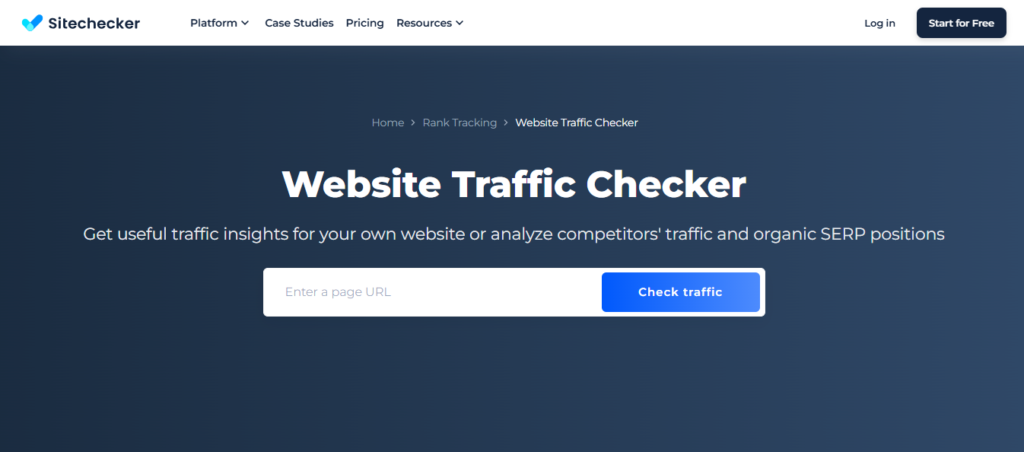
Features: Sitechecker Pro (an SEO toolkit) includes a free Traffic Checker feature. After a simple sign-up for a free trial, you can input any domain and get a rich traffic analysis dashboard. It shows total visit estimates per month and a trend graph over the past 6 months, so you can see historical traffic patterns. You also get engagement metrics (average visit duration, pages per visit, bounce rate) for the site. It provides a geographic breakdown of visitors (traffic by country) and a traffic source breakdown (what percentage comes from search, direct, social, etc.). Additionally, Sitechecker lists the site’s top five organic keywords and top five paid keywords driving traffic. These features help in competitor analysis by revealing where a site’s audience comes from and what keywords are pivotal for them.
Usability: Registration is required, but it’s just an email (no credit card needed for the 14-day free trial of Sitechecker). Once you’re in, the Traffic Checker data is fully available during the free period. The interface is modern and user-friendly, with clear charts and sections (much of the data appears similar to what SimilarWeb offers). All the traffic insights mentioned are provided for free within this tool. After the trial, Sitechecker’s other tools require payment, but notably the traffic analysis data itself is free to access – meaning even without a paid plan you can continue to use the Traffic Checker feature. (It appears Sitechecker uses this as a lead magnet – offering traffic stats free, while charging for their SEO audit/monitoring features.)
Accuracy: Sitechecker doesn’t reveal its data source publicly, but the figures likely come from industry-standard data (possibly via an API like SimilarWeb’s). Expect accuracy in line with other competitive analysis tools – decent for broad trends and top referrers/keywords, but not exact. Users have found the data to be plausible for known sites, but like others it may overestimate or underestimate specific numbers. Since it provides multiple data points (traffic, engagement, country, etc.), it’s useful for qualitative analysis (e.g. “Competitor X gets roughly twice the traffic of Competitor Y, mostly from the US and primarily via search”). Just remember these are modeled numbers.
Downsides: The need to sign up (and the limited 14-day window for full access) is a slight hurdle compared to purely no-signup tools. If you only need occasional traffic checks, you might end up re-registering with another email later. Also, the “top 5 keywords” limit is quite narrow in the free data – you won’t get the full list of a site’s keywords without upgrading. There is no direct competitor comparison feature in the free version (you’d have to check each competitor’s stats one by one). Finally, as with any such tool, very small or new sites might not show data. On the positive side, Sitechecker’s traffic reports are comprehensive and completely free during the trial period, making the downsides relatively minor if you’re okay with registering.
HypeStat (Web Statistics Service)
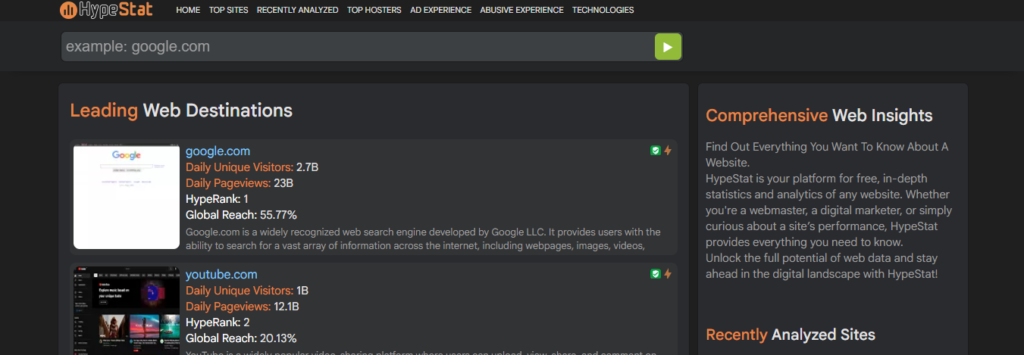
Features: HypeStat is a free website that provides traffic estimates and other stats for any domain. Simply go to hypestat.com and search a domain – no login needed. It will display metrics like daily unique visitors and pageviews, and extrapolate a monthly visitor count (e.g. “approximately X visitors per day, which is about Y per month”). It also shows a global “HypeRank” (similar to an Alexa rank) for the site. HypeStat may list top visitor countries (“mostly visited by people in…”) and even approximate ad revenue and site value based on traffic. There are tabs for things like technology used, backlinks, and similar sites, suggesting a broad profile of the domain. Essentially, it aggregates a bunch of publicly available info along with its traffic guess.
Usability: It’s as straightforward as it gets – a single search box and instant results. There are no limits on searches and no sign-ups or trials. They even offer a browser extension that with one click shows daily and monthly unique visitors for the current site (by pulling HypeStat’s data). This makes it convenient if you frequently want quick traffic numbers without visiting the site. The interface on the website is a bit ad-heavy and old-school, but navigable (with sections broken into Q&A style metrics).
Accuracy: This is where HypeStat (and similar free stat sites like StatShow or SiteWorthTraffic) fall short. The data is often highly unreliable for accuracy. These services do not have a robust data panel; instead, they might use a combination of old Alexa rankings, random web metrics, or even just simple algorithms (like assuming a site’s traffic based on its global rank or the number of backlinks). Spot checks by users have found such tools can be wildly off – sometimes by orders of magnitude. So why use them? Mainly, they’re free and can give a very rough sense if a site is big or small. For example, HypeStat might correctly tell you that Site A likely has more traffic than Site B if their ranks differ greatly. But the absolute numbers (e.g. “50k monthly visitors”) should be taken with a big grain of salt. Treat it as entertainment or a baseline guess rather than authoritative data.
Downsides: The primary downside is data quality – precise accuracy is not HypeStat’s strength. It also doesn’t offer the richer analysis that others do – for instance, it doesn’t break traffic down by source or show historical trend graphs. Competitor analysis is limited to a “Similar sites” suggestion tab, but not much insight beyond that. In short, HypeStat’s advantage is being totally free and unrestricted, but the lack of detailed features and questionable accuracy are major caveats. It might be useful if you just need a very quick, no-frills estimate or to double-check a site’s existence and relative rank, but for serious competitive analysis, the earlier tools are better.
Browser Extensions for Traffic Estimates
If you prefer on-the-fly insights while browsing, a few free browser extensions can display traffic estimates without needing to open a separate site. The SimilarWeb extension is one of the most popular – once installed, you can click it on any website and see that site’s global rank, country rank, monthly visit estimate, and traffic breakdown by source, along with engagement stats. It essentially mirrors the key data from SimilarWeb’s website in a popup, saving you time. This extension requires no login and is free to use (with the same data limits as the free site).
Neil Patel’s Ubersuggest Chrome extension also provides handy competitor info. When browsing a site, clicking the Ubersuggest extension will show an estimated number of monthly organic visitors and a chart of the last 6 months’ traffic trend for that site. It even allows you to see the site’s top organic keywords and pages from the extension interface. This is valuable for quick competitor research. The extension is free, though it limits you to a certain number of searches per day (around 40 queries) before requiring a login or waiting period.
There are also extensions like HypeStat’s Website Traffic Report (which shows daily/monthly uniques via HypeStat data) and some SEO toolbars (e.g. SEOquake by Semrush) that can display traffic metrics. SEOquake, for example, can display a “Semrush Traffic Rank” or estimated visits for a domain when you view a page, drawing from Semrush’s database. These extensions are all free, but their accuracy depends on the underlying source (as discussed above). The upside is convenience – you get at-a-glance stats without manual lookup. The downside is they generally show limited data (just the key numbers or a small chart) due to space constraints, and they rely on the same estimation models as the web tools. Still, for quick checks or to screen a bunch of competitor sites rapidly, browser extensions from SimilarWeb or Ubersuggest can be extremely useful.
Free APIs and Data Access
For developers or power users, accessing traffic estimate data via an API is possible, though fully free options are limited. SimilarWeb’s API is a premium service, but they do offer a free “DigitalRank” API that provides rankings (global or country rank) for websites without charge. This can help compare sites’ relative traffic, but it doesn’t directly give visit counts. You get 100 free credits per month to query rank data for different sites. To get actual visit estimates programmatically, one can use third-party API marketplaces. For example, RapidAPI hosts an unofficial SimilarWeb API where the basic plan offers ~50 requests per month for free. Such APIs can return metrics like monthly visits, visit duration, pages/visit, and traffic by country and source. Similarly, services like Semrush have a Traffic Analytics API (.Trends API) that developers can use to get visitor numbers, but that typically requires a paid Semrush plan or subscription.
In short, completely free APIs for any-site traffic are rare – you’ll usually encounter rate limits or need at least a free account with a quota. The free tiers (e.g. 50 calls/month) can be fine if you only need to occasionally look up a few sites via scripts. They offer the same kind of data the web tools show, including traffic sources and country breakdowns. Just be prepared for potential restrictions: after the free quota is exhausted, calls will require payment, and data accuracy remains the same estimated data as the UI tools. Also note that Google Analytics or similar first-party analytics APIs won’t help for competitor sites – those require owner access. So, for building your own app or analysis, you can leverage the likes of SimilarWeb’s free rank API or limited free calls to traffic data APIs, but any extensive use will bump into paywalls. The upside is that these APIs allow integration of traffic estimates into your own reports or software, and the downside is mainly the limitations on truly free usage and the fact that the data is still modeled (not “official” traffic).
Bottom Line: Free tools can give you a decent ballpark of monthly visitors and insights into where that traffic comes from, which is great for competitor research or rough benchmarking. Services like SimilarWeb and Semrush (with free accounts) provide broader traffic intel (multiple channels, competitor lists, etc.), whereas SEO-focused tools like Ahrefs and Ubersuggest concentrate on search traffic. Completely free offerings without signup (Ahrefs, SEO Review Tools, Hypestat) are convenient but may have narrower data or less accuracy. All these tools have inherent accuracy limitations – as one SEO discussion put it, no third-party tool will exactly match a site’s real analytics, and estimates can sometimes be off by large margins. Use these tools to gauge trends and make comparisons, but take exact numbers with caution. By combining several free sources, you can cross-verify and form a more reliable picture of a website’s traffic profile.